A slider is among the first UI elements designed specifically for mouse use — a flexible, quick way to enter numbers with some tolerance. The movement of the mouse, clicking the selector and dragging it across the bar, was a good visual indicator when it was invented. The physical analogy is the linear potentiometer in studio mixing boards, used alongside rotary dials; a rotary dial is essentially a slider wrapped into an arc.
The Slider’s Cognitive Failure — and a Better Model
UI input paradigms for parametric CAD — slider deficiencies and a precision physical-input alternative developed through HST helmet design
Main text estimate: Human 92.6%
Main text estimate: LLM 7.4%
Thesis
The slider’s fundamental failure is not cosmetic but cognitive — it imposes a universal translation layer between designer intent and geometric outcome that precision physical input, spatially mirrored on-screen, and decoupled from compute latency, can eliminate.
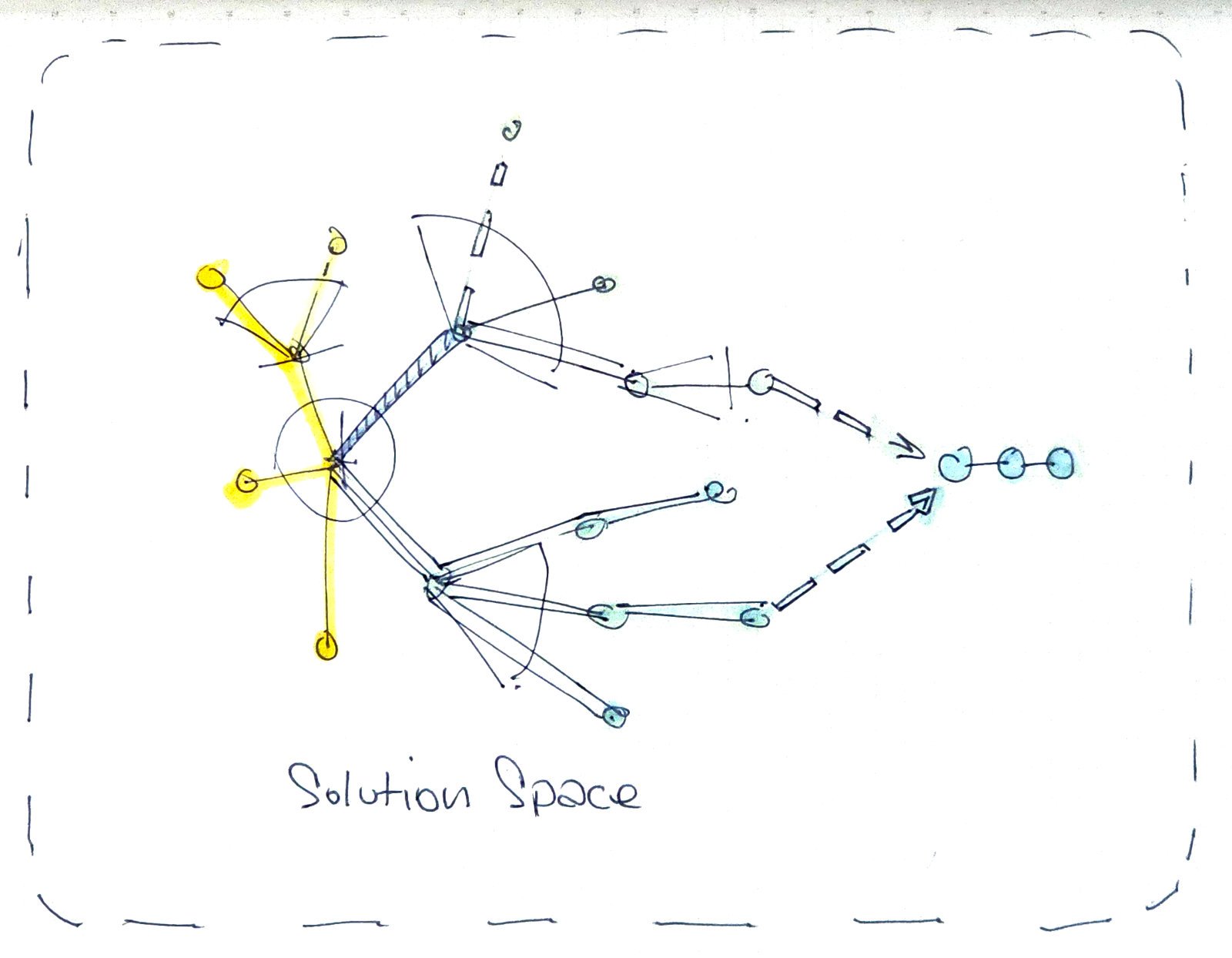
Overview
The slider functions as a legend — like a map key — creating a cognitive shortcut between the input element and the parameter it represents. In parametric CAD and geometry work, parameters like widths, heights, depths, and rotations all need to be mapped with cognitively efficient associations. The speed of that association across a large set of parameters is the operative concern.
The goal is not faster input. Speed is a byproduct. The underlying principle is the elimination of the mental jump between input and the identity of what that input is affecting. Input form, direction, and spatial arrangement that mirror the geometric nature of the parameter being controlled — linear for translation, rotary for rotation, directional for deviation from origin — reduce the remapping effort between intention and action. The mixing board with hundreds of undifferentiated vertical sliders is the antithesis: immense remapping required, high time cost to locate and adjust a parameter. The goal is to reduce that remapping effort to near zero.
The dial-encoder approach was not superseded on merit — it was narrowed out of mainstream software UI by convergence on mouse and touch as universal input surfaces. Automotive UI is now restoring physical buttons after touchscreen-only interfaces proved to require too many interaction steps, which is supporting evidence.
Fine-resolution input without dedicated physical hardware currently degrades to alt-key modifier combinations, reintroducing cognitive load.
The evidence base is a single practitioner’s evolved implementation — transferability to other parametric domains is argued, not yet demonstrated.
What further physical input modalities beyond velocity-sensitive rotary and XY pad remain unexplored in conjunction with parametric CAD, and what parameter types would most benefit from dedicated hardware experimentation?
Revised
Sliders try to solve two separate problems — range and resolution — with one control, and the immediacy of tapping a position on a linear range bar remains a genuine advantage no other input method exceeds; the two approaches are complementary rather than mutually exclusive.
Sliders try to solve two separate problems — range and resolution — with one control. A parameter might span a full range of minus 500 to plus 500 (1,000 integer units), yet require fine adjustment in hundredths of a decimal point within that range. A slider cannot serve both demands without elaborate modifier-key workarounds.
Revised
Yet the immediacy of tapping a position on a linear range bar remains a genuine advantage that no other input method exceeds. This is an important qualification: the dial approach described below does not replicate that immediacy. The two approaches are complementary rather than mutually exclusive.
Revised
Input form, direction, and spatial arrangement have a relationship to the geometric nature of the parameter being controlled — linear for translation, rotary for rotation, directional for deviation from origin — and where that relationship is strong, the remapping effort between intention and action is reduced.
The classic left-to-right, low-to-high slider convention doesn’t always match the geometry being controlled. In the HST helmet design work that generated this argument — a proxy for any parametric physical object, from rocket engines to eyeglass frames — adjusting the depth below a center origin is better represented by a slider that moves downward, mirroring the geometric direction of the parameter. Three directional approaches are now implemented in the working interface: bottom-up standard, top-down reversed, and center-deviation (median as default, movable above or below).
There is also no slider equivalent for asymmetric motion. A parameter with 45-degree logic has no 45-degree slider — the approach is confined to X and Y axes. An array of dozens of vertical sliders on a mixing board has almost no inherent differentiation, and physical size fixes the range; there is no native way to assign a small-range parameter a compact slider and a large-range parameter a long one.

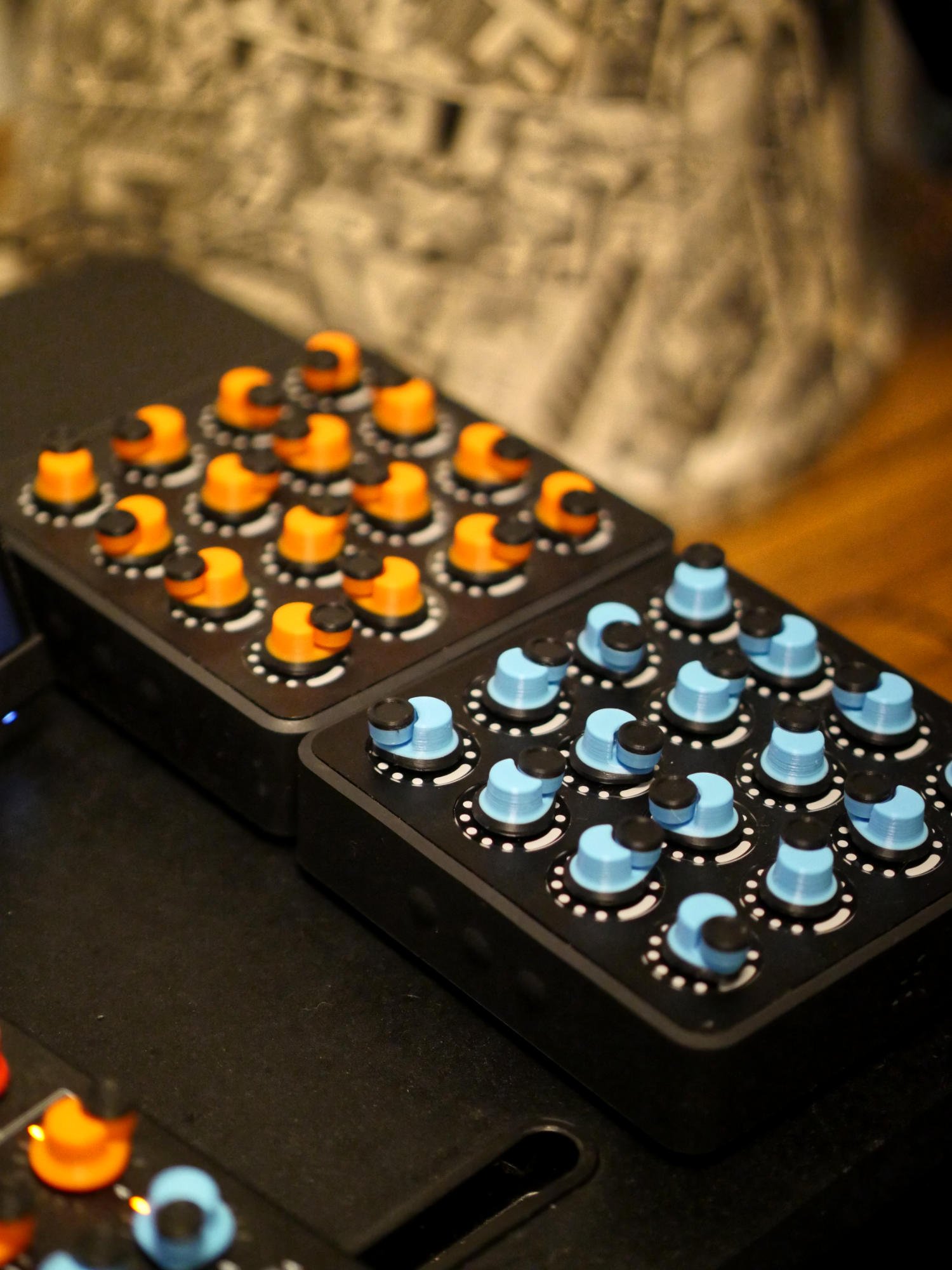
A velocity-sensitive endless rotary dial, with intelligence living in a monitoring middleware layer rather than the device or protocol, solves the range-resolution problem in a single transparent physical gesture.
The core discovery came from mapping MIDI devices — associated with music production — into CAD programs, in combination with touch screens, over six or seven years of experimentation. The solution is an endless rotary dial mapped so that its 128 MIDI steps divide into 64 clockwise and 64 counterclockwise, with a center-reset after each movement. A monitoring program tracks the rate of change over time and uses that rate to scale the parameter increment.
For the user, this means: slow turns produce fine adjustment (thousandths of a unit) and fast turns produce coarse movement. The velocity sensitivity is transparent — it lives in the monitoring software, not the device or the MIDI protocol. MIDI’s native 128-step resolution is finite and insufficient on its own; the intelligence is in the middleware layer.
The on-screen elements are digital twins of the physical controls — either can be adjusted, and each reflects the state of the other. The spatial arrangement of the on-screen panel mirrors the physical device. An operator might tap a position on the on-screen element to get coarsely to a value, then fine-tune with the physical dial. The interaction is bidirectional.
The division of labor that emerged through direct usage: sliders for linear translation parameters (forward/backward, width, height, depth), dials for rotation. An XY pad was also introduced for two-dimensional positioning, where placing something by XY location on the pad is more intuitive than two separate sliders; the pad handles coarse placement, and dials handle precision.
A middleware layer dedicated to input feedback, running separately from geometry regeneration, eliminates the interaction freeze caused by compute latency in complex parametric models; in computationally lighter environments, the separation may be unnecessary.
A locked claim in the session: the fluidity and immediacy of feedback is governed by a middleware engine entirely dedicated to delivering that feedback, separate from the computationally expensive geometry regeneration. In complex parametric models, there is a regeneration lag — the geometry takes time to recompute. The middleware handles input confirmation independently: the numeric value updates immediately regardless of how long the model takes to catch up. In computationally lighter or faster environments, simultaneous input and geometry feedback may render the separation unnecessary.
Revised